
Initialising 3D Studio...
Wii Trainer
The Wii Fit Trainer, Nintendo's iconic yoga instructor and a fan-favorite Super Smash Bros. fighter, sets up shop on your Tomodachi Life island as your resident wellness guru. Download this Mii from Tomodachi Share and use the share mii QR code — she'll have your islanders doing sun salutations before breakfast.
More Miis You Might Like
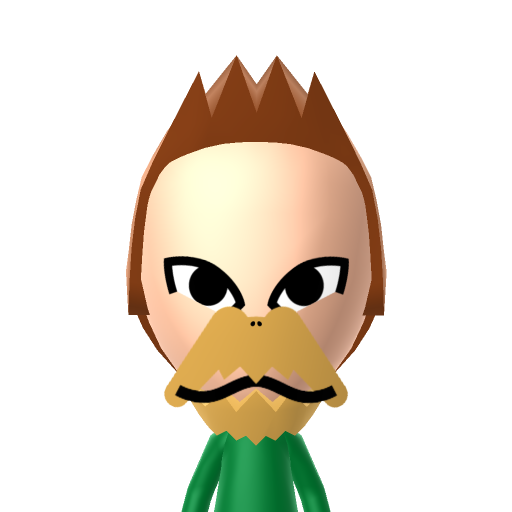
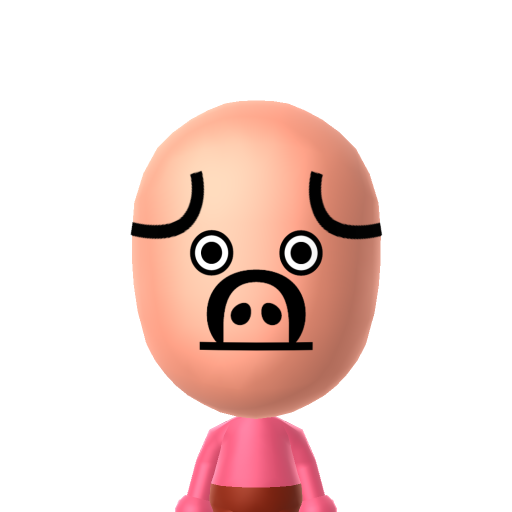
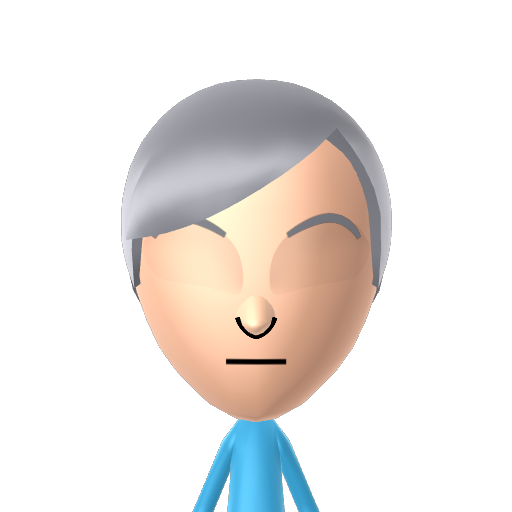
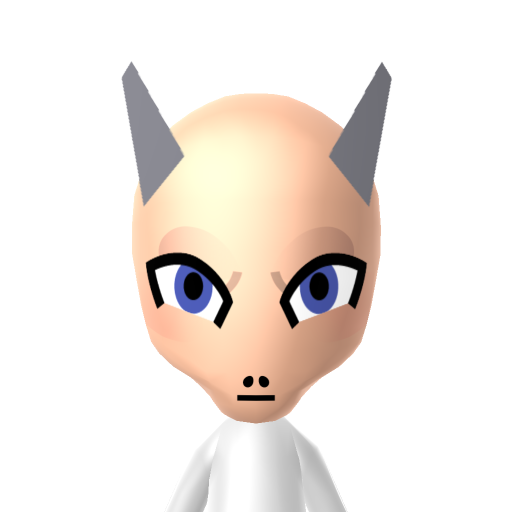
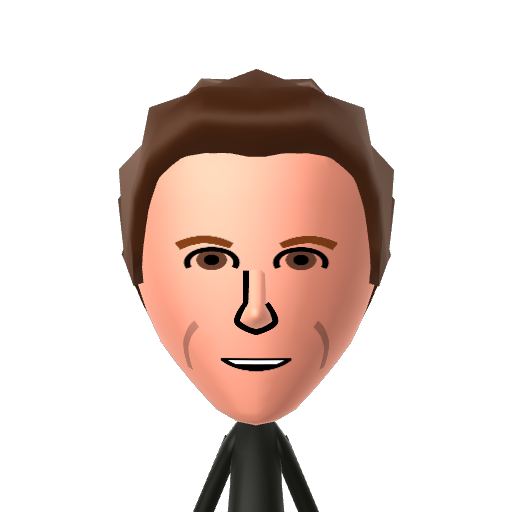
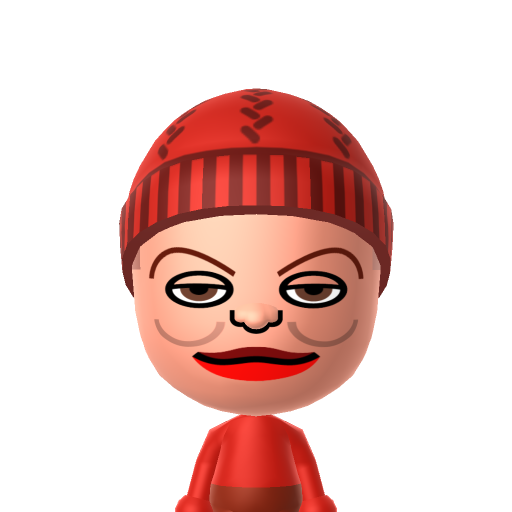
Browse similar Miis from the Tomodachi Share community. Click any Mii to download their charinfo file or remix them in Mii Creator.
How to use this Mii
Follow these simple steps to bring this Mii into your game.
Download
Download the .charinfo file or choose your console format.
Import
Use a Mii editor tool or save manager to import the file.
Transfer
Transfer the updated save data back to your console.
Play
Add the Mii to your Tomodachi Life island and enjoy!
Mii FAQ
Quick answers for managing Mii files to help you get results faster.
What is a .charinfo file?
A .charinfo file is the native format used by the Nintendo Switch to store Mii character data. It contains all the visual and metadata settings of a Mii.
Can I use this Mii on the 3DS or Wii?
Yes! We provide downloads in multiple formats. You can download the .cfsd format for the 3DS or the .rsd format for the Wii.
How do I scan the QR code?
QR codes can be scanned directly within the Mii Maker app on the Nintendo 3DS and Wii U consoles. (Note: The Nintendo Switch does not support scanning Mii QR codes natively).
Are these Miis compatible with Miitopia?
Yes! You can use these Miis in Miitopia. Depending on your console, you can import them via amiibo functionality or by using a save editor.
How can I edit the downloaded Mii?
You can click the 'Remix in Mii Creator' button above to edit the Mii directly in your browser, or use a desktop save editor for your specific console to modify their features.
Will adding a custom Mii affect my game save?
As long as you use reliable save editors and properly inject the files, adding custom Miis is generally safe. However, we always recommend backing up your save data first!
Can I upload my own Miis to TomoHub?
Yes! Once you are logged in, you can use our Mii Creator tool or directly upload your own .charinfo files in your personal dashboard to share them with the community.
Why does the Mii look slightly different on my console?
Different consoles (such as the Wii, 3DS, and Switch) have slightly different rendering engines, hair models, and color palettes, which can cause minor visual variations.
Is my console required to be homebrewed?
To inject raw .charinfo files directly into most Switch or 3DS game save files, your console typically needs custom firmware (CFW) to access save data managers.
Can I use these Miis in Super Smash Bros.?
Yes! Once a Mii is successfully imported and saved to your console's system memory, it can be selected as a Mii Fighter in Super Smash Bros. Ultimate.
Explore More Tools
Take your game further after you share Mii characters.
Export and import Mii characters easily. The best browser-based Share Mii web tool.
The perfect companion to ShareMii. Edit gold and items in the same save files you use with our Share Mii web tool.
Learn advanced ShareMii tricks and discover more ways to share Mii data efficiently in our guide section.
Ready to Expand Your Island?
Download charinfo files and add thousands of new Miis to Tomodachi Life.
The ultimate Mii gallery, completely free.
Browse Gallery ↑